
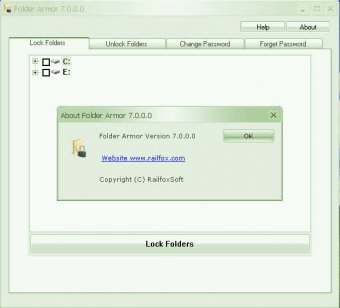
Almost all computer users have personal data which they don’t want to share with others. Such data should be carefully secured especially if computer is used by other people. FolderArmor 3.0 by RailFoxSoft is a perfect tool for providing such protection. It uses mechanism of locking folders by password. Before the first start of this software you have to choose password you want to use for locking folders on your computer and special hint for its’ restoration. Choose those carefully and keep it in secret if you want to provide safe protection for your data. The main window of this program includes four tabs. If you want to lock any folder then choose one or several folders for locking on the first tab and press button “Lock folders”. By the way all folders you lock gain a special icon. To unlock folders select the second tab, choose folders you want to unlock and press button “Unlock folders”. The last two tabs are for changing your password. All locked folders can’t be deleted or copied. FolderArmor 3.0 doesn’t need a lot of system resources and includes a detailed help file.





Comments